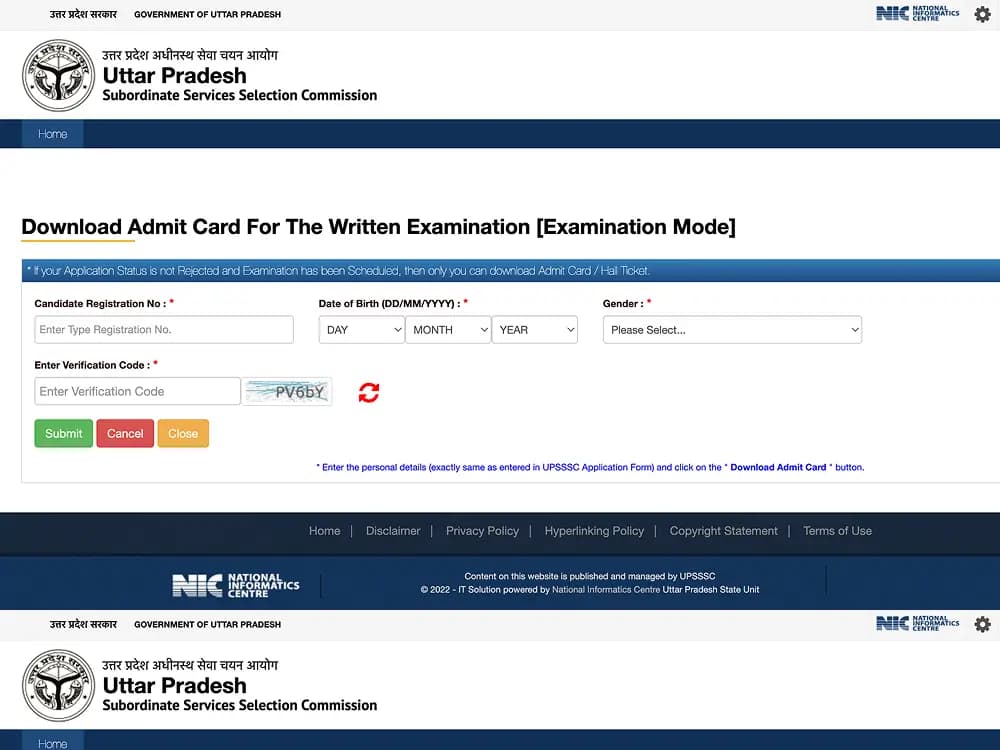
How to Download SSC CGL Admit Card 2026: The Staff Selection Commission (SSC) has released the SSC CGL Tier 1 Admit Card 2026 online on its centralized candidate portal at ssc.gov.in. Candidates appearing for the Combined Graduate Level Examination (Group B and Group C posts) can download their official admission certificates using their registered User Name (Registration Number) and SSC Password.
The SSC CGL Tier 1 computer-based examination is scheduled across test centers nationwide from September 30 to October 30, 2026. To balance server traffic, the Commission issues hall tickets in phases approximately 2 to 4 days prior to a candidate's individual test date.
Related Articles: Check Results Online 2026 | UPSSSC PET Admit Card Guide | GOAPS GATE 2027 Login Portal | Top Colleges for UPSC & SSC Prep
Quick Highlights
- The official portal to download SSC CGL Tier 1 Admit Card 2026 is ssc.gov.in.
- Candidates must log in using their unique Registration Number and SSC Registration Password.
- Admit cards are issued in phases 2 to 4 days prior to each candidate's scheduled examination date.
- A printed physical copy of the admit card along with an original photo ID proof is strictly mandatory for exam center entry.
- Digital copies or soft copies on mobile phones are strictly prohibited at all examination venues.
SSC CGL Admit Card 2026: Examination Overview
The Staff Selection Commission conducts the Combined Graduate Level Examination annually to recruit personnel for central ministries, attached departments, and statutory bodies. Review the primary examination milestones below:
| Examination Metric | Official Specification |
|---|---|
| Exam Name | Combined Graduate Level Examination (SSC CGL) 2026 |
| Conducting Authority | Staff Selection Commission (SSC) |
| Recruitment Posts | Group 'B' and Group 'C' Non-Technical Gazetted / Non-Gazetted Positions |
| Examination Stage | Tier 1 (Computer-Based Examination) |
| Tier 1 Exam Schedule | 30 September – 30 October 2026 |
| Admit Card Release Mode | Online Phased Download (2–4 days before test date) |
| Official Web Portal | ssc.gov.in |
Details Required to Download SSC CGL Admit Card 2026
Before accessing the candidate dashboard on the centralized SSC website, ensure you have the following credentials ready:
- Registration Number (User Name): The unique registration ID received via SMS and email during the initial online application process.
- SSC Registration Password: The confidential password set during profile creation or OTR (One-Time Registration).
- Date of Birth (DOB): Matches your matriculation certificate and application records.
- Security Captcha: The alphanumeric security verification characters rendered dynamically on the login page.
How to Download SSC CGL Admit Card 2026 (Step-by-Step)
Candidates can download their official SSC CGL admission certificate directly through the central candidate portal by completing the following sequence:
Visit the Official SSC Website
Open your browser and navigate to the official portal at ssc.gov.in. Avoid third-party mirror portals to protect your personal registration records.
Open Candidate Login Gateway
Click on the Login or Register button located in the top navigation bar on the homepage.
Submit Account Credentials
Enter your 10-digit or 12-digit Registration Number, your SSC Password, and the visual Captcha Code. Click Login to enter your candidate dashboard.
Navigate to the Admit Card Section
From the candidate dashboard, click on the Admit Card tab or select Check Status of Admission Certificate.
Select CGL Tier 1 Call Letter Link
Click on the active notification link titled "Combined Graduate Level Examination, 2026 – Tier 1 Admit Card".
Verify Test Center & Personal Details
Inspect your displayed candidate particulars, allocated examination city, shift timing, reporting time, and exact test venue address.
Download and Save the Admit Card PDF
Click the Download Admit Card button to save the PDF file to your computer or mobile storage.
Print A4 Physical Copies
Print at least two clear copies of the admission certificate on clean A4 paper (preferably in color) for test-day verification.
How to Reset Forgotten SSC CGL Login Password
If you have misplaced your password or your account is temporarily locked, recover your credentials through the automated self-service portal:
Open the Password Recovery Page
Go to the SSC candidate login page at ssc.gov.in/login and click on Forgot Password.
Choose Permanent State and Input Contact Info
Select your permanent State or Union Territory from the dropdown menu, and enter your registered Email ID or Mobile Number.
Validate One-Time Password (OTP)
Click Submit to receive an OTP on your registered mobile number and email. Enter the verification code on screen.
Establish a New Secure Password
Set a strong new password following SSC security guidelines (minimum 8 characters with numbers and special symbols), confirm it, and log back in.
Crucial Details to Check on Your SSC CGL Admit Card
Once the admit card PDF is generated, scrutinize every field thoroughly. Any discrepancy with your government identity card can result in entry disqualification at the examination center:
- Candidate's Full Name & Father's Name: Must match your secondary school certificate and valid photo ID proof.
- Roll Number & Registration ID: Essential identifiers for computer seat allocation in the exam lab.
- Candidate Photograph & Signature: Must be distinct, unblurred, and clearly recognizable.
- Exam Date & Shift Schedule: Confirms your scheduled test date and specific shift slot between September 30 and October 30, 2026.
- Reporting Time & Gate Closing Time: Entry into the testing hall closes strictly at the designated gate-closure time. Late arrivals are strictly barred.
- Test Center Venue & Full Address: The full institutional address and laboratory number of the assigned venue.
- Exam Day Guidelines & COVID/Health Protocols: Specific stationery, dress code, and prohibited electronic item advisories.
Common SSC CGL Download Errors and Solutions
During peak download hours, high server traffic can trigger temporary connection timeouts. Use the following official fixes:
| Error / Issue | Root Cause | Recommended Fix |
|---|---|---|
| Download Link Not Loading | Heavy server load near exam shifts | Refresh the page, clear browser cache using Ctrl + Shift + Delete, or try during non-peak hours (early morning or late night). |
| "Admit Card Not Available" Alert | Phased release policy active | SSC releases hall tickets only 2 to 4 days prior to your specific exam date. If your exam is later in October, check back closer to your slot. |
| Unable to Log In / Invalid User ID | Caps Lock error or mismatched OTR ID | Re-check your registration confirmation email for the exact User Name. Ensure Caps Lock is off or use the "Forgot Password" tool. |
| PDF Not Generating / Pop-up Blocked | Browser pop-up blocker active | Allow pop-ups for ssc.gov.in in your browser settings or switch from mobile browser to Google Chrome on a desktop PC. |
Mandatory Examination Day Notice
Candidates must bring an original, valid photo identification card (such as an Aadhaar Card, Passport, Driving License, or Voter ID) that displays the exact Date of Birth printed on the SSC admit card. If your photo ID does not show your complete date of birth (Day, Month, Year), you must carry an additional original certificate (e.g., Class 10 Admit Card/Certificate) as proof of age.
Exam Day Checklist: What to Carry to the Examination Center
To prevent last-minute disqualification, prepare your physical document kit the evening before your examination:
- Printed SSC CGL Admit Card: At least one clear, printed copy on clean A4 paper.
- Original Government Photo ID Proof: Aadhaar Card, E-Aadhaar printout, Voter Card, PAN Card, Driving License, or Passport.
- Passport-Size Color Photographs: Two recent identical passport-size photographs (matching the admit card photo).
- Transparent Blue/Black Ballpoint Pen: For signing attendance sheets and rough work.
- Strictly Prohibited Items: Mobile phones, digital smartwatches, Bluetooth earphones, calculators, notes, wallets, and metallic accessories are barred inside the test hall.