
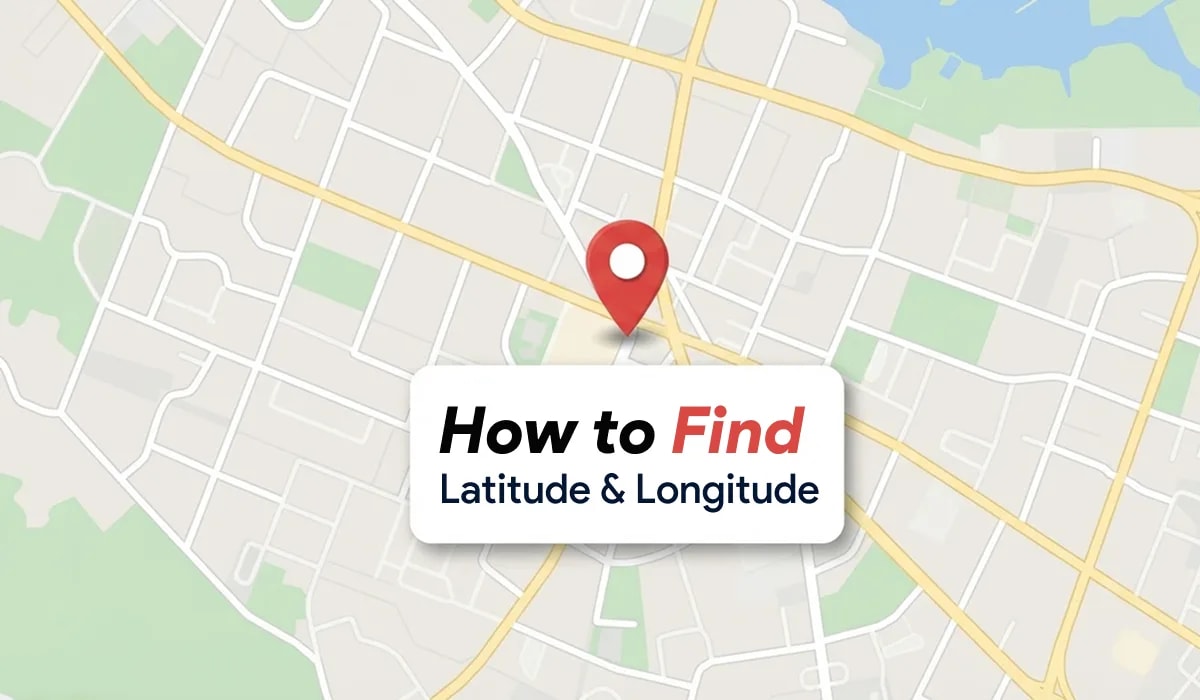
To find latitude and longitude on Google Maps, press and hold any unlabelled spot on your mobile screen until a red pin drops, then read the numeric coordinates displayed in the search box. On desktop, right-click any point on the map and click the top coordinate number to copy it to your clipboard.
Related Articles: Cool Google Search Tricks | Android Tips and Tricks | GPS Full Form & Meaning
Quick Summary
- Mobile app users drop a pin by long-pressing the screen to reveal decimal coordinates in the search bar.
- Desktop users right-click any spot on Google Maps to immediately view and copy exact latitude and longitude numbers.
- Latitude always appears first, followed by a comma and longitude (for example: 28.6139, 77.2090).
- You can paste GPS coordinates into the Google Maps search bar to pinpoint any exact global address.
What are Google Maps coordinates
Google Maps coordinates are pairs of geographic numbers representing latitude and longitude that pinpoint any location on Earth. Latitude measures distance north or south of the equator from 0 to 90 degrees, while longitude measures distance east or west of the Prime Meridian from 0 to 180 degrees.
Together, these numbers give satellite navigation and GPS tracking systems a reliable, unambiguous reference for homes, rural roads, trailheads, and offshore points that lack traditional street addresses.
Coordinate format standards compared
Google Maps accepts and outputs coordinates in several standard geographic notations:
| Coordinate format | Example structure | Primary use case |
|---|---|---|
| Decimal Degrees (DD) | 28.613939, 77.209021 | Standard format used by Google Maps web and apps |
| Degrees, Minutes, Seconds (DMS) | 28°36'50.2"N 77°12'32.5"E | Marine navigation, aeronautics, and surveying |
| Degrees and Decimal Minutes (DMM) | 28 36.8368, 77 12.5412 | Electronic charting systems and geocaching |
| Plus Codes (Open Location Code) | 7JWV7V75+HR | Short digital addresses for areas without postal codes |
How to find latitude and longitude on Google Maps Android
Follow these steps to find coordinates for any place or your current position on an Android smartphone:
Open the Google Maps app
Launch Google Maps on your Android device and ensure location services are enabled if looking for your current position.
Drop a pin on the target location
Touch and hold an unlabelled point on the map until a red pin marker appears. If checking your live position, tap the blue GPS dot first, then long-press right beside it to place a pin.
View and copy the coordinates
Inspect the top search bar. The decimal coordinates appear at the top (for example, 28.6139, 77.2090). Tap the coordinates in the dropped pin details card at the bottom to copy them directly to your clipboard.
How to find latitude and longitude on Google Maps iPhone
Follow these steps to extract GPS coordinates using the Google Maps app on iOS:
Launch Google Maps on iOS
Open the Google Maps app on your iPhone or iPad.
Long-press the map to drop a pin
Press and hold any spot on the map until the red dropped pin icon appears.
Copy the coordinate numbers
Look at the top search field to see the latitude and longitude. Alternatively, swipe up on the bottom Dropped Pin panel and tap the coordinates numbers to copy them.
How to find coordinates on desktop web browser
Desktop browsers provide the fastest way to copy coordinates with high accuracy:
Visit Google Maps in your browser
Navigate to maps.google.com in Chrome, Safari, Edge, or Firefox.
Right-click the exact location
Move your mouse cursor over your target location and right-click once.
Click the coordinates to copy
A context menu opens with the decimal coordinates listed at the very top. Click the coordinates with your left mouse button to automatically copy them to your computer clipboard.
How to find an address by entering latitude and longitude
If someone shares GPS numbers with you, you can reverse-search them on Google Maps to find the physical address or directions:
Open the Google Maps search bar
Open Google Maps on your phone or desktop computer.
Paste the coordinates correctly
Enter the coordinates into the search box using decimal degrees format. Separate latitude and longitude with a single comma, such as 27.1751, 78.0421.
Press search to inspect the address
Tap the search icon or press Enter. Google Maps centers the map on the exact location, drops a marker, and displays the street address, district, and navigation route.
Coordinate Entry Rule
Always write latitude before longitude. Positive numbers represent North and East, while negative numbers represent South and West. Avoid putting spaces between degrees and minutes symbols.
Common coordinate errors and how to fix them
| Error symptom | Underlying cause | Quick resolution |
|---|---|---|
| Location shows in the middle of ocean | Latitude and longitude swapped | Reverse the two numbers so latitude comes first |
| Location in wrong hemisphere | Missing negative minus sign | Add a minus sign before southern latitudes or western longitudes |
| "We could not find..." message | Invalid degree symbols or letters | Switch to pure decimal degrees format (e.g. 19.0760, 72.8777) |
| Inaccurate current location | Weak satellite or cellular fix | Step outdoors, enable high accuracy GPS mode, and recalibrate compass |
Exploring digital navigation on Sahu4you
Geographic coordinates make sharing meet-up spots, logistics delivery points, and emergency locations reliable across every smartphone platform. To learn more about digital device tracking and smartphone tips, explore our guide on tracing mobile number locations and master your device with our Android tips and tricks collection.