
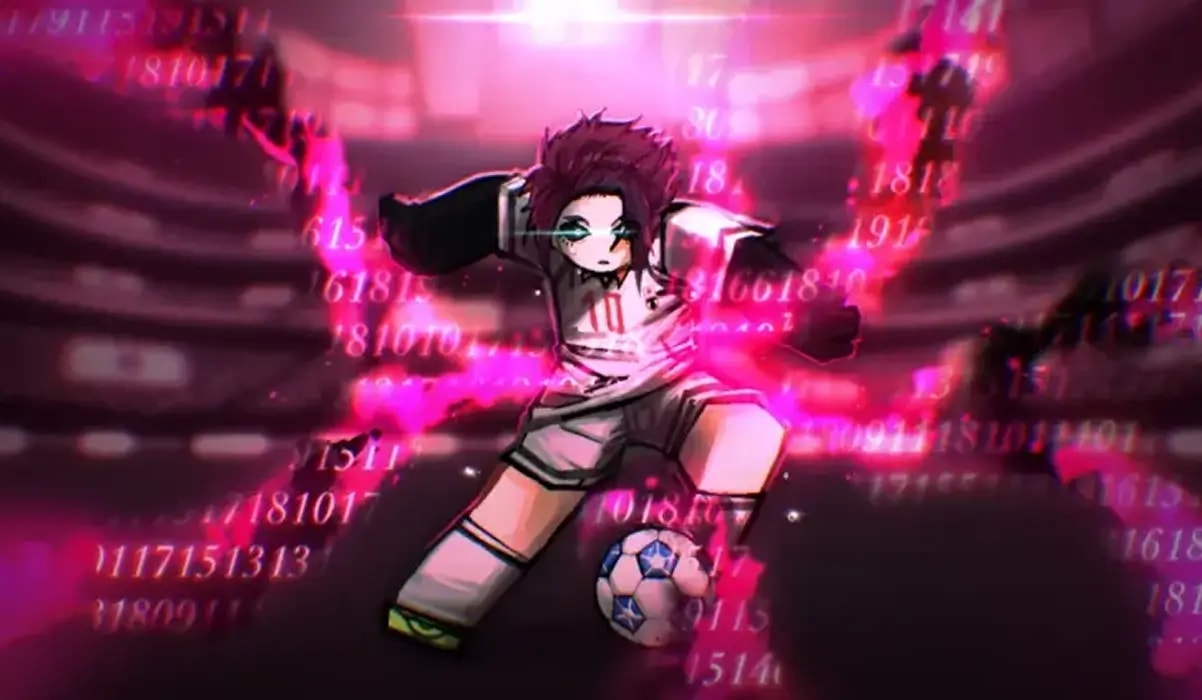
Delay Latch codes (officially recognized on Roblox as Azure Latch codes) reward players with free Style Coins, Cash, and exclusive celebration Emotes without spending real Robux. Inspired by the tactical intensity of the anime Blue Lock, this fast-paced soccer simulator lets players master aggressive curved shots, execute high-speed dribbles, and dominate full-pitch competition.
This guide provides the complete, tested list of active Delay Latch codes for November 2026, explains how to navigate the in-game Rewards tab, and details what every reward tier delivers.
Related Articles:
What Is Delay Latch (Azure Latch) on Roblox?
Delay Latch (now titled Azure Latch) is a competitive Roblox football game that captures the individualistic striker mindset of Blue Lock. Players customize their striker's archetype by rolling for legendary soccer styles—such as Rin Itoshi's curved trajectory finishes, Michael Kaiser's Kaiser Impact, and Seishiro Nagi's impossible first-touch trapping.
Because unlocking rare styles and ascending abilities demands significant reserves of Style Coins, developer promo codes are a crucial asset. Claiming active codes delivers thousands of Style Coins and in-game Cash straight into your profile wallet.
Key Takeaways
- Delay Latch codes unlock free Style Coins, in-game Cash, and celebration Emotes.
- The experience was formerly titled Delay Latch and is officially listed as Azure Latch on Roblox.
- Redemption is handled inside the Menu > Rewards panel at the bottom of the HUD.
- Codes are single-use per Roblox account and require exact uppercase capitalization.
- Rewards credit immediately to your currency counters upon clicking Redeem.
Active Delay Latch Codes (November 2026)
Below are the currently active and verified codes for Delay Latch (Azure Latch). Enter each code exactly as shown to claim your free coins, cash, and emotes.
Quick Copy Priority Codes
Use the one-click copy buttons below to claim active style coins and cash bundles:
RINSOONSTAYTUNED10,000 Style Coins & 15,000 Cash
HITBOXESFIXED10,000 Style Coins & 15,000 Cash
NEWHITBOXES10,000 Style Coins & 15,000 Cash
TIMOTHYISHEREFORNAGI10,000 Style Coins & 15,000 Cash
KAISERISNEXTWEEKNOWORRIES10,000 Style Coins & 15,000 Cash
MAYBE5,000 Style Coins & 5,000 Cash
BROTHERNOAHFree Brother Noah Emote & Style Coins
MYANIMEFANSMANMy Anime Fans Man Exclusive Emote
Complete Active Codes Table
| Code | In-Game Rewards | Category | Status |
|---|---|---|---|
RINSOONSTAYTUNED | 10,000 Style Coins & 15,000 Cash | Update Drop | Active |
HITBOXESFIXED | 10,000 Style Coins & 15,000 Cash | Bugfix Reward | Active |
NEWHITBOXES | 10,000 Style Coins & 15,000 Cash | System Overhaul | Active |
TIMOTHYISHEREFORNAGI | 10,000 Style Coins & 15,000 Cash | Character Teaser | Active |
KAISERISNEXTWEEKNOWORRIES | 10,000 Style Coins & 15,000 Cash | Milestone Reward | Active |
MAYBE | 5,000 Style Coins & 5,000 Cash | Community Code | Active |
BROTHERNOAH | Brother Noah Emote & Bonus Coins | Exclusive Drop | Active |
MYANIMEFANSMAN | My Anime Fans Man Celebration Emote | Cosmetic Drop | Active |
Codes Located in the Rewards Submenu
Unlike games with a direct HUD Codes icon, Azure Latch places its code redemption field inside the Rewards tab under the main Menu. Follow the step-by-step instructions below to locate the input window correctly.
In-Game Rewards Breakdown
Understanding how each currency works helps you plan your striker's progression:
| Currency / Item | Purpose in Azure Latch | Strategic Utility |
|---|---|---|
| Style Coins | Used to spin for primary striker playstyles | Unlocks legendary offensive archetypes (Kaiser, Rin, Nagi, Bachira) |
| Cash | Universal in-game economy currency | Used to purchase footwear, customized uniforms, and stamina boosters |
| Emotes | Celebration and goal animations | Allows your striker to perform signature character poses after scoring |
How to Redeem Delay Latch Codes
Redeeming codes in Azure Latch takes only a few moments once you enter the server. Follow these steps:
Launch Azure Latch on Roblox
Open Roblox, search for Azure Latch (or Delay Latch), and join the game server.
Open the Main Menu
Click on the Menu button located at the bottom of your screen.
Navigate to the Rewards Tab
Inside the menu interface, select the Rewards tab from the options list.
Enter Your Promo Code
Type or paste your code into the text input box labeled with the code prompt. Maintain exact uppercase capitalization.
Click Redeem to Claim Rewards
Hit the Redeem button. Your Style Coins, Cash, and Emotes will be deposited into your account immediately.
Troubleshooting: Why Codes Fail to Work
If you receive an error message when entering a code, check this troubleshooting matrix:
| Error Symptom | Common Cause | Actionable Solution |
|---|---|---|
| Cannot Find Code Field | Looking on the main HUD instead of Menu. | Click the Menu button at the bottom of the screen, then select the Rewards tab. |
| Invalid Code Prompt | Typo, lowercase letters, or trailing whitespace. | Use the copy button above to paste the exact uppercase code string. |
| Already Redeemed | Code was previously claimed on your Roblox account. | Promotional codes are strictly single-use per profile; try another code on the list. |
| Code Expired | Code was retired following a balance patch. | Check the expired codes catalog below; update drops cycle out over time. |
Expired Delay Latch Codes
The following codes have expired and can no longer be redeemed. They are cataloged here for reference:
SEALSARETHEBESTELGOALBOXCHANGETIMOTHYSAYSHINELMASTERYMKAISERISBALANCEDNOWMASTERYKAISERSORRYFORLATERELEASEPINGOVERHAULTIMOTHYTHESEALBAROUTSPECIALEVILBALLRIPVERAIMLEGALLYBLINDICANTSEERANKEDANDBACHIRACHEMISFINALLYHERESORRYFORMISTAKEONMAINTENANCEDOUBLEASSASSINSTAKE2DOUBLEASSASSINSSORRYFORDELAYAGAINQUIETHAPPYMOTHERSDAYSOCCERISTHISSERIOUSBTWCLUBTOGETHERBLACKWINDSAFETYFIRSTCHEMSOONSORRYFORDELAYKIYORAUPDATEADDITIONALTIMETHOSEWHOSPINULTRASADISTHIORIUPDATENELISAGIREVAMP